
How to Maintain Security Cameras Properly
A security camera only protects your property when it can clearly see, record and reliably deliver footage when needed. Learning how to maintain security cameras is not about becoming a technician. It is about catching small issues – a dusty lens, poor night vision, a full recorder or a loose cable – before they leave your home, business or site without usable evidence.
Perth conditions can be especially demanding on outdoor equipment. Heat, glare, wind-blown dust, salt air near the coast and seasonal rain all affect camera performance over time. A practical maintenance routine keeps your system dependable, extends the working life of the equipment and helps ensure footage is available when an incident occurs.
Why camera maintenance deserves attention
Most camera faults do not begin with a complete failure. Image quality may slowly decline, a camera may shift slightly after strong winds, or recordings may stop because storage has reached capacity. These problems are easy to miss when the system is only checked after a break-in, vandalism incident or workplace dispute.
For homeowners, the priority is usually clear vision at entry points, driveways, gates and areas where children or deliveries arrive. Commercial and industrial sites may also rely on CCTV to monitor staff and visitor movements, loading areas, stock, access points and perimeter zones. In either setting, a poorly maintained camera can create a blind spot at exactly the wrong time.
Regular attention also protects the value of your original installation. A well-designed CCTV system should provide years of service, but it still needs occasional care, software checks and professional assessment as conditions and site requirements change.
How to maintain security cameras: a practical routine
The right schedule depends on the camera type, its location and the environment. Indoor cameras in a clean office may need little more than a quarterly visual check. External cameras facing a busy road, exposed to coastal air or positioned beneath trees should be inspected more often.
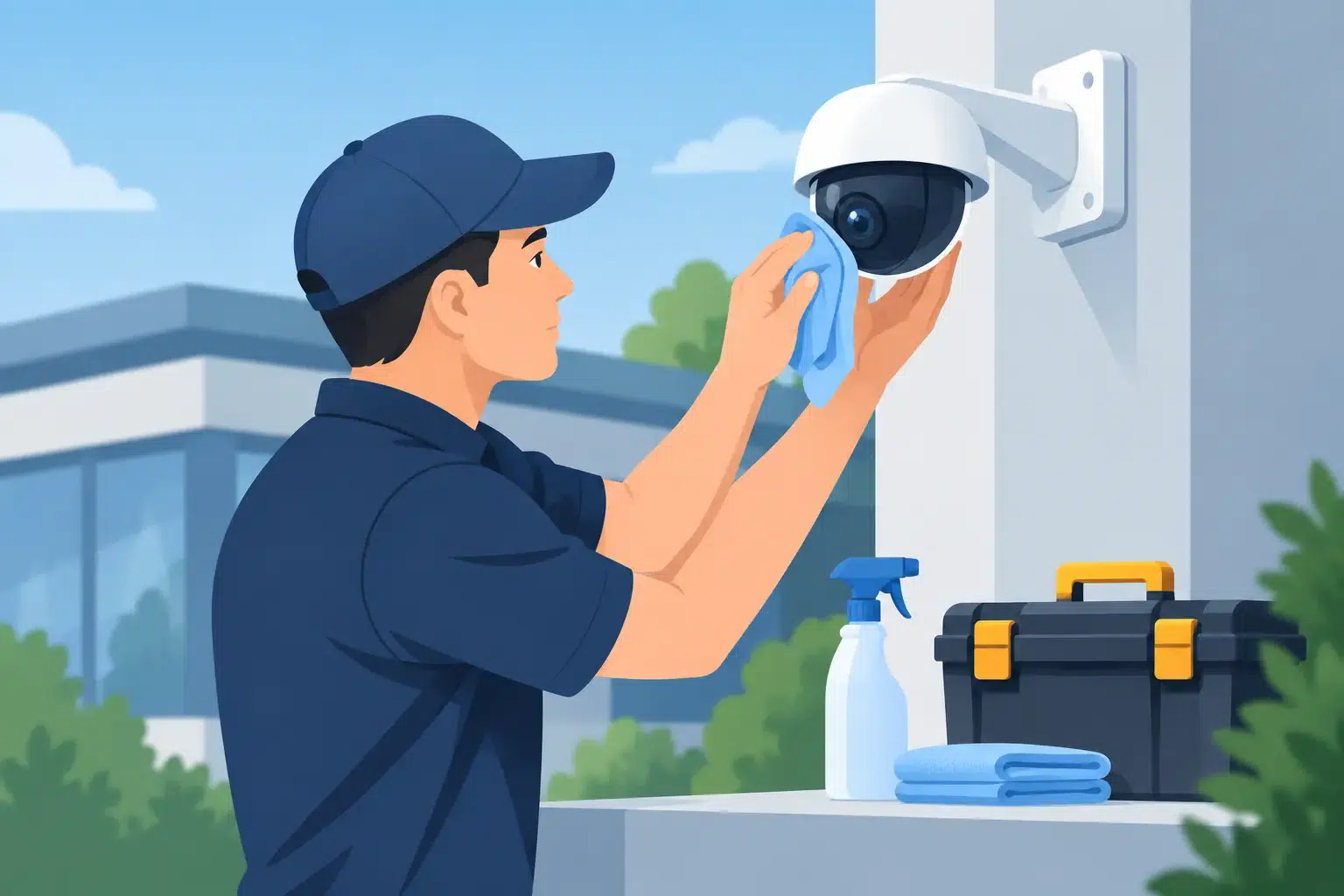
Clean lenses and housings carefully
A dirty lens is one of the most common causes of poor CCTV footage. Dust, pollen, insect residue, rain spots and cobwebs can soften the image, trigger motion alerts or obscure a person’s face or vehicle registration plate.
Turn to the live view before cleaning so you can see the improvement afterwards. Use a clean microfibre cloth to gently wipe the camera lens and outer housing. For stubborn marks, lightly dampen the cloth with clean water or use a lens-safe cleaning product. Avoid spraying liquid directly onto the camera, using abrasive cloths or applying household cleaners, as these can damage lens coatings, seals and plastic covers.
For dome cameras, clean the dome evenly and check for scratches or clouding. A scratched or weathered dome can scatter infrared light at night, producing a hazy image even when the camera itself is functioning correctly.
Check that every camera is aimed correctly
Cameras can move gradually due to vibration, wind, accidental contact or a loose mounting bracket. Compare each live image with the area it is intended to cover. Make sure entrances, gates, walkways, tills, loading bays or other priority areas remain visible without being blocked by a growing tree, new signage, stored materials or parked vehicles.
Avoid making major angle changes without considering the wider system design. Moving one camera to improve a driveway view may create a gap at a side gate. On commercial sites, changes should also account for staff privacy, site procedures and any required coverage of critical access areas.
Test day, night and low-light image quality
A camera can look excellent at midday yet perform poorly after dark. Review footage or live vision at different times, particularly around sunrise, sunset and after lighting changes. Check whether faces are recognisable at entrances, whether number plates are readable where required, and whether bright lights are causing glare or silhouettes.
Infrared cameras need a clear path around the lens. Spider webs, dirt and reflective surfaces close to the camera can cause infrared bounce-back, which makes the image appear washed out at night. If the issue persists after cleaning, the camera position, nearby lighting or infrared settings may need professional adjustment.
Confirm recording is actually taking place
Live images are reassuring, but recorded footage is what matters after an incident. Log in to your recorder or app and play back footage from each camera. Check the date and time are accurate, the recording is continuous or event-based as intended, and clips can be located and exported when needed.
Pay attention to retention time: how many days of footage your system keeps before it overwrites older recordings. The appropriate period depends on the site, camera count, recording quality and available storage. Higher-resolution cameras provide more detail but consume more storage, so there is always a balance between image quality, retention and budget.
If footage has gaps, freezes during playback or disappears earlier than expected, do not assume it is a minor software issue. The cause could be a failing hard drive, incorrect recording settings, network interruptions or insufficient storage capacity.
Inspect power, cables and network connections
Look for obvious damage around camera mounts, conduits, power supplies and accessible cable runs. Outdoor connections should remain weather-sealed, while indoor cables should be protected from accidental knocks, vermin and interference. Never pull on cables or open electrical enclosures unless you are qualified to do so.
For network cameras, check that each device remains online and that remote viewing works through authorised accounts. Intermittent cameras can indicate a cable fault, overloaded network equipment, unstable Wi-Fi or a power-over-Ethernet issue. Wireless cameras are convenient in some locations, but they are generally more dependent on signal strength and battery or charging management than hardwired systems.
Keep software and account access under control
Modern security cameras are network-connected devices, which means their cybersecurity settings matter. Use unique, strong passwords for the recorder, cameras, mobile app and router accounts. Remove former staff members or contractors who no longer require access, and review who can view, download or change footage.
Apply firmware and app updates supplied by the manufacturer or your security provider. Updates can resolve faults, improve compatibility and address known security vulnerabilities. Before updating a larger commercial system, confirm that the update is suitable for the recorder and connected cameras. An unplanned update during business hours can interrupt recording or alter settings.
Set a schedule your property can sustain
A simple routine is more useful than an ambitious checklist that never gets completed. For most homes and small businesses, inspect live images and camera positions monthly, clean external lenses every few months or sooner when visibly dirty, and test recordings at least quarterly.
Sites with heavy vehicle traffic, machinery, dust, public access or coastal exposure should inspect cameras more frequently. Larger commercial and industrial systems benefit from a documented maintenance schedule that records faults, service dates, storage checks, firmware status and any changes to camera coverage. This creates accountability and helps identify recurring problems before they affect operations.
It is also sensible to test alerts and remote access after changes to internet services, routers, electrical works or building renovations. These are common moments for a previously reliable camera to lose connection.
When to call a security technician
Basic cleaning and visual checks are appropriate for most property owners. Electrical faults, water ingress, failed hard drives, unstable network cameras, damaged cabling and repeated recording failures need qualified attention. So do cameras mounted at height or in difficult-to-access areas, where safety must come first.
A professional service can assess image quality, recording health, retention settings, network performance, power supplies and physical condition across the full system. It is also an opportunity to identify coverage gaps created by changes to the property, such as a new shed, altered car park layout, relocated stock or an additional entry point.
For Perth homes, businesses and multi-site operations, Securitec Security can provide planned CCTV servicing and repairs that match the system and site conditions rather than treating maintenance as a one-size-fits-all task.
A camera system should be quietly dependable, not something you discover has failed after an incident. Give it regular attention, act on small changes early and arrange professional servicing when performance or reliability is in doubt.