
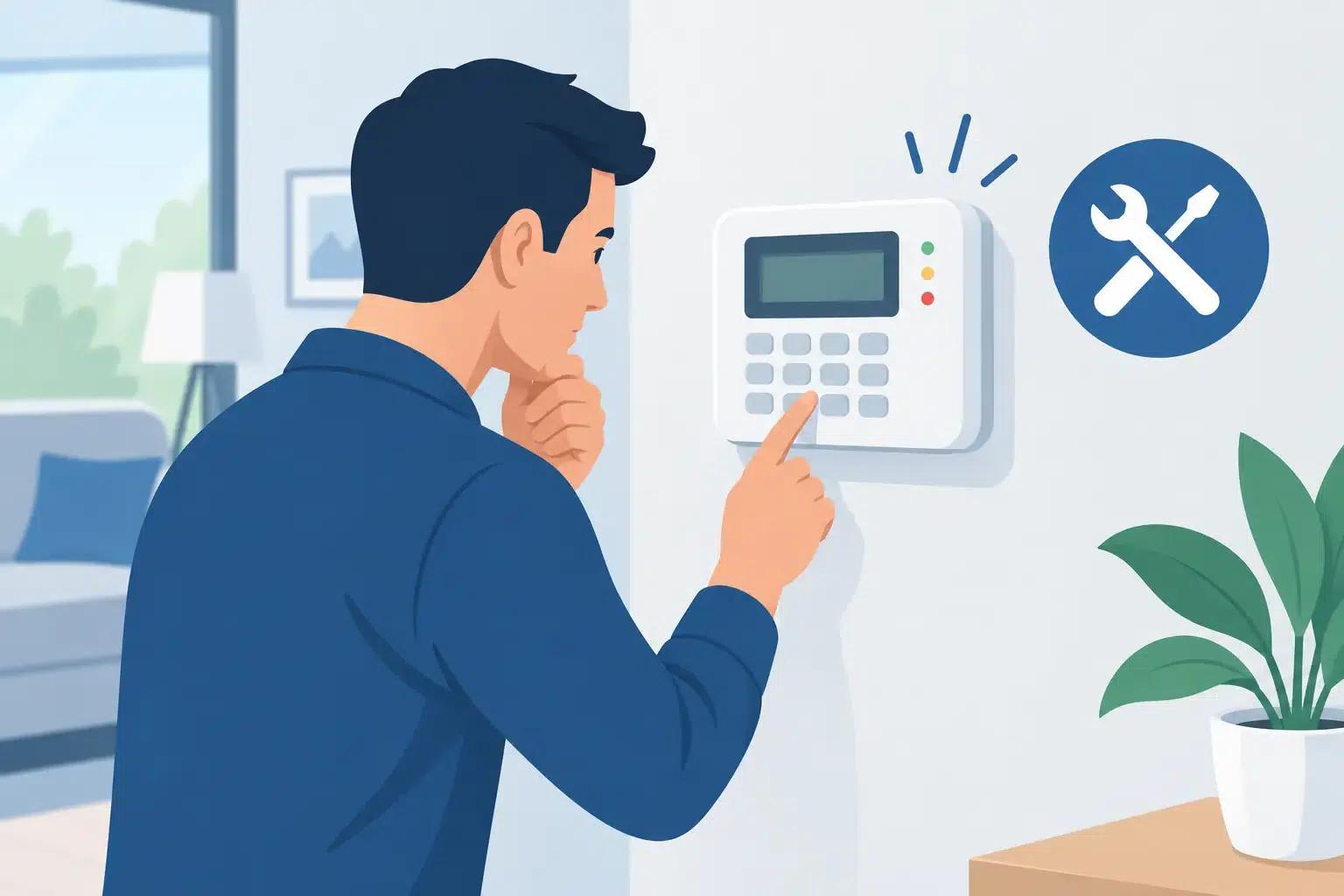
How to Troubleshoot Alarm Keypad Problems
A keypad that starts beeping at 2 am, shows a trouble message before opening time, or refuses a familiar code can quickly make a property feel exposed. Knowing how to troubleshoot alarm keypad issues can help you separate a minor maintenance warning from a fault that needs prompt professional attention – without accidentally disabling part of your protection.
An alarm keypad is the everyday interface for the wider system. It communicates with the control panel, displays zone conditions, accepts user codes and alerts you to faults such as low battery, mains-power loss or a tamper condition. The message on the screen, the keypad lights and the pattern of beeps are useful clues, but they should be handled carefully. If your system is monitored, avoid unplugging equipment or repeatedly triggering devices while investigating, as this can create unnecessary alarm events.
Start with the keypad message and status lights
Before pressing keys at random, take a clear photo of the display and note the time. Many systems show a specific zone number, a battery icon, a triangle or spanner symbol, or wording such as “trouble”, “tamper”, “power” or “communication failure”. These details give a technician a far better starting point than simply reporting that the alarm is beeping.
Check whether the system is armed, disarmed or partly armed. A door, window, roller shutter or detector may be open, causing an open-zone indication rather than a keypad fault. In a business, check that cleaners, staff or contractors have not left a protected door ajar. At home, inspect accessible doors and windows before attempting to arm the system again.
Do not enter repeated codes in frustration. Several incorrect attempts can trigger a keypad lockout on some systems, particularly where access control and intrusion alarm functions are integrated.
How to troubleshoot alarm keypad power problems
A blank screen is commonly a power or communication issue, although the cause depends on the system design. First, check whether other keypads, sirens, lights or alarm-connected devices are operating normally. If the entire system appears dead, look for an obvious power interruption at the property.
Check the electrical switchboard for a tripped circuit breaker or safety switch. If a breaker has tripped, do not keep resetting it if it trips again. That may indicate an electrical fault requiring an electrician. Also check that the alarm control panel has not been accidentally switched off at its power point, particularly after renovations, cleaning or work in a garage, storeroom or communications cupboard.
Most alarm panels include a rechargeable backup battery. When mains power fails, the battery keeps the system operating for a limited period. A “low battery” warning can mean the panel battery is nearing the end of its service life, or that a wireless detector, remote, key fob or wireless keypad battery needs replacement. These are different faults, so the exact message matters.
If you are confident the warning identifies a user-replaceable wireless device, use the battery type specified by the manufacturer and fit it correctly. Do not open a hardwired keypad, control panel or external siren unless you are authorised and familiar with the system. Opening security equipment can generate a tamper alarm and may affect monitoring or warranty arrangements.
Check for communication and network faults
Modern alarm systems may send alerts through a mobile network, NBN connection, Ethernet network or a dedicated alarm communicator. A communication fault does not always mean the alarm can no longer detect an intrusion. It may mean the system cannot report an event to you or a monitoring centre, which still needs timely attention.
If the keypad reports a communication issue, consider whether there has been a power outage, internet service interruption or recent change to the modem, router, mobile service or network cabinet. A new router can create problems where the alarm panel was connected by network cable or relied on a particular network configuration. Avoid factory-resetting the alarm panel or changing its programming unless instructed by the installer or service provider.
For commercial sites, communication faults should be treated with extra care. A system might protect stock, controlled areas, plant rooms or several premises under one account. Record the fault, confirm the site is physically secure and arrange service rather than assuming the message will clear on its own.
When the keypad will not accept a code
If a known code is rejected, first make sure the correct keypad is being used. Larger properties and commercial premises can have areas or partitions with different permissions. A code that disarms the office may not disarm the warehouse, for example.
Check the keypad for stuck, damaged or unresponsive buttons. Dust, moisture, wear and accidental impact can affect older keypads, especially those installed near busy entries, workshops or external access points. If only one or two buttons fail, do not force them. Photograph the keypad and arrange an assessment.
A code may also have been changed, deleted or temporarily disabled. This is common after staff changes or when a homeowner has recently updated user access. For security reasons, avoid sharing master codes widely or writing them near the keypad. The safer approach is to have individual user codes managed properly, with former staff, tenants or contractors removed promptly.
If the keypad is touchscreen-based, clean it gently with a dry microfibre cloth. Do not spray cleaner directly onto the screen or let liquid run into its edges.
Investigate open zones and tamper warnings safely
An open-zone message usually means the system sees a door, window, motion detector, roller door or other device as not ready. Start with the zone named on the display, if shown. Check for a door that has not latched, a window left slightly open, a roller door that has stopped short, or an item blocking a detector’s view.
Tamper warnings need more caution. They can occur when a detector cover is loose, an external siren housing has been disturbed, a cable has been damaged, or a wireless device has lost contact. Weather, insects, building movement and trades working near security equipment can all contribute. A tamper message after a storm or nearby building work does not prove an attempted break-in, but it should not be ignored.
Do not bypass a zone simply to make the keypad quiet unless you understand precisely what area is being left unprotected and your system rules permit it. Bypassing may be reasonable for a short period while a technician attends, but it is not a substitute for repair. On a monitored system, contact the monitoring provider before making changes that could affect response procedures.
Reset only when the cause is understood
Many keypads let you acknowledge a fault, silence trouble beeps or reset an alarm after an event. These actions can be useful, but they do not repair the underlying issue. A low-battery alert, for instance, may stop beeping temporarily and then return until the battery is replaced.
If the system has gone into alarm, make sure everyone on site is safe before entering a valid code to disarm it. If there are signs of forced entry, damage, suspicious activity or a possible intruder, do not enter the property. Contact police and follow your monitoring provider’s instructions.
Avoid disconnecting the control panel battery or mains supply to “reboot” the system. This can produce tamper alarms, erase settings on older equipment or leave the premises without effective protection. A controlled reset may be appropriate in some cases, but it depends on the manufacturer, panel model and how the system has been programmed.
When to call an alarm technician
Arrange professional alarm repair if the keypad is blank despite confirmed power, the same trouble condition keeps returning, buttons are failing, the system will not arm, or there is a tamper, siren or communication fault you cannot clearly resolve. Prompt service is particularly worthwhile before a holiday, after a break-in attempt, or when a business is leaving a site unattended overnight.
Have the keypad photo, fault wording, panel location, recent power or internet changes and the approximate age of the system ready when you call. This helps determine whether the issue is likely to be a battery, device, cabling, communicator or programming problem. For Perth homes and businesses, Securitec Security can assess faults across alarm systems and provide practical repair or upgrade advice where older equipment is no longer reliable.
A well-maintained keypad should be quiet, clear and predictable. Treat unusual beeps or messages as an early warning, address them before they become a system failure, and keep your security protection ready for the moments it matters most.