Access Control Systems for Perth Properties
A lost master key can create more than an inconvenience. For a Perth business, it can mean uncertainty about who can enter the premises, whether former staff still have access, and whether expensive locks need replacing. At home, it may mean a spare key has changed hands without anyone knowing. Access control systems replace that uncertainty with clear, manageable control over who can enter a property, when they can enter, and which areas they can use.
Unlike a standard lock and key, an electronic access system gives property owners the ability to add, remove and adjust access without physically rekeying every door. It can be as straightforward as a keypad at a front gate or as detailed as a multi-site system that controls staff access across offices, workshops, warehouses and restricted areas.
What an access control system does
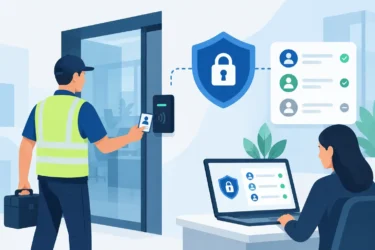
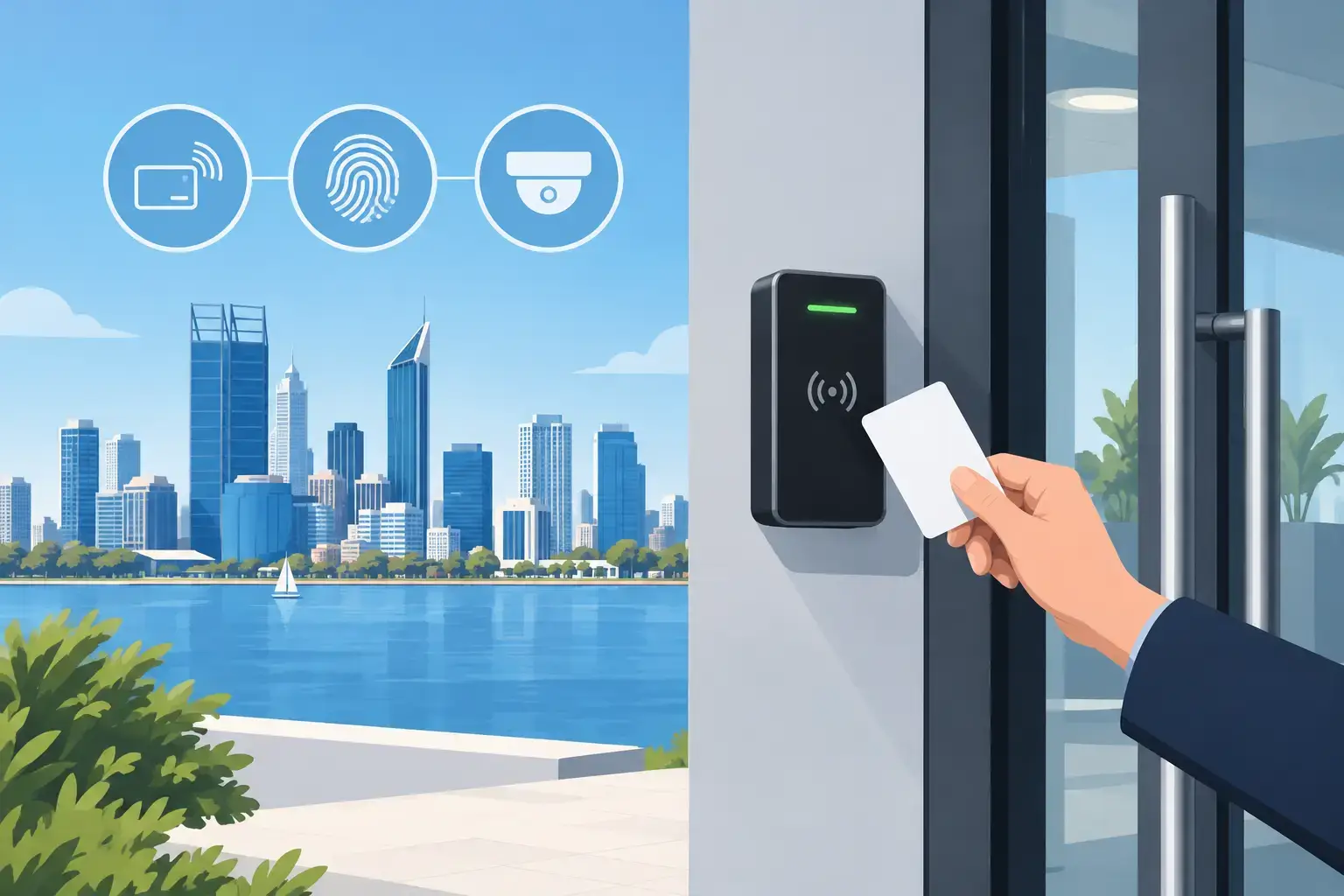
At its core, an access control system verifies a person or credential before releasing a door, gate, boom gate or other controlled entry point. The credential might be a proximity card, fob, PIN, mobile credential or biometric identifier. The reader sends the request to a controller, which checks the user’s permissions and decides whether to grant entry.
That sounds simple, but the value is in the rules behind it. A cleaner may be permitted to enter selected areas after hours. A staff member may have access to the office but not the stockroom. A contractor can be issued a temporary credential that expires at the end of a project. Instead of relying on informal key handovers, the property has a record and a process.
For many sites, access control also creates an event history. Site managers can review when a credential was used, identify unsuccessful attempts and investigate incidents with more confidence. When paired with CCTV, access events can help establish what happened at a particular door or gate at a particular time.
Where access control systems make the biggest difference
The right solution depends on the property, daily routines and level of risk. There is no benefit in installing a complex system that staff avoid using, just as a basic keypad may not provide enough oversight for a busy industrial facility.
Homes, apartments and residential gates
For homeowners, controlled access is often about protecting family routines without making the home difficult to use. An intercom linked to a gate or front door lets residents verify visitors before allowing entry. Keypads and fobs can remove the need to distribute multiple physical keys to family members, trusted tradespeople or tenants.
Residential systems are particularly useful for shared driveways, apartment entries, side gates and homes where people regularly come and go. The priority is usually simple operation, reliable hardware and a design that suits the way the household actually lives.
Small businesses and offices
Small businesses often begin with a familiar problem: too many keys, no clear register of who has them, and no practical way to manage access when staff change. An access system can give employees individual credentials, restrict access outside rostered hours and make it easier to secure sensitive areas such as offices, server rooms, medicine cabinets or stock storage.
It can also reduce disruption when an employee leaves. Rather than collecting every key and hoping none were copied, a manager can deactivate one credential. For businesses with several tenants, departments or casual workers, that is a meaningful improvement in accountability.
Warehouses, workshops and industrial sites
Industrial properties usually have more entry points, higher-value equipment and a mixture of employees, delivery drivers, contractors and visitors. Access control can be used at pedestrian doors, vehicle gates, internal cages, plant rooms and hazardous or restricted work areas.
These sites need careful planning. An external reader must tolerate Perth heat, dust and weather exposure. Doors must remain secure without interfering with fire safety requirements or emergency egress. Shift patterns, vehicle movements and after-hours deliveries should be considered before equipment is selected. A system is only effective when it supports safe operations as well as security.
Multi-site organisations
For organisations managing several locations, the strongest benefit is consistency. Authorised staff can be managed through one approach rather than separate key cabinets at each site. Permissions can be tailored by role and location, while site managers retain visibility over their own premises.
Centralised management does not mean every site needs identical hardware. A retail shop, administration office and warehouse have different risks. It means the system can grow in a controlled way as new doors, users or locations are added.
Choosing credentials: convenience versus control
Credentials should be selected for the people using them, not just the technology available. Cards and fobs are familiar, quick and cost-effective for many workplaces. They are easy to issue and replace, but they can be misplaced or shared.
PIN pads avoid the need to carry a credential, although PINs can be forgotten, observed or passed on. Mobile credentials are convenient for staff who already carry a mobile, but they rely on appropriate device settings and a clear process for lost or replaced phones. Biometric readers can provide a higher level of identity assurance in selected environments, yet they need careful consideration of privacy expectations, user acceptance and the conditions at the entry point.
In higher-risk areas, two-factor access may be appropriate. This could mean a card plus PIN, or another combination that makes credential sharing less useful. The trade-off is speed. At a busy staff entrance, adding extra steps can cause delays and encourage people to hold doors open for others. Good design balances protection with realistic behaviour.
Design decisions that are easy to overlook
Access control systems are not just readers mounted beside doors. The quality of the installation and the design behind it determine whether the system remains dependable over time.
The first decision is identifying which doors truly need control. Securing every door may not be necessary, while overlooking a rear entry, shared corridor or internal access point can leave a gap. A professional site assessment considers building layout, traffic flow, existing locks, evacuation paths, lighting, cabling routes and future expansion.
Door hardware matters just as much as the reader. The selected locking method must suit the door type, frame, usage frequency and safety requirements. For example, a glass door, sliding gate and fire-rated door each require different treatment. Poorly matched hardware can lead to unreliable opening, premature wear or security weaknesses.
Power and communications should also be planned properly. Systems may need battery backup so authorised entry and exit arrangements continue during a power outage. Networked equipment needs secure configuration, particularly where remote administration is required. For larger sites, separating security infrastructure from general office network traffic may be sensible.
Finally, decide what should happen when something goes wrong. Should a door release or remain locked during a fault? Who receives alerts? Can authorised staff still enter after hours? The answer depends on the door’s purpose, relevant safety obligations and the risks at the site.
Integration creates a clearer security picture
Access control is particularly effective when it works alongside other security measures. An intercom lets staff or residents communicate with visitors before granting entry. CCTV can provide visual verification at gates, reception points and restricted doors. Intrusion alarms can monitor a building after hours, while access permissions allow nominated users to enter without triggering unnecessary alarm responses.
Integration should be useful rather than complicated. A small office may only need an intercom and one controlled staff door. A larger commercial site may benefit from access events appearing alongside camera footage, gate control and alarm activity. The objective is not to add technology for its own sake. It is to give the right people better information and more reliable control when it matters.
Maintenance keeps access reliable
Like any electronic security equipment, access systems need regular attention. Credentials wear out or go missing, door closers drift out of alignment, locks can become noisy or slow, and batteries eventually require replacement. Software and user permissions should also be reviewed, especially after staffing or tenancy changes.
A maintenance plan helps identify issues before they become a locked-out staff member, an unsecured door or an avoidable call-out. It should include testing of readers, locks, emergency release arrangements, backup power and communication between components. User records should be checked so old credentials do not remain active simply because nobody remembered to remove them.
Securitec Security designs and maintains access control solutions around how Perth properties operate, from straightforward residential entry systems to integrated commercial and industrial deployments. With more than 30 years of experience, the focus is on equipment that is practical to use, professionally installed and supported after handover.
The best time to plan access control is before a key problem becomes a security incident. Start with the people, doors and daily movements that matter most, then build a system that can protect them without making the property harder to run.