How to Plan Access Control for Your Property
A front door key copied without permission, a former staff member whose swipe card still works, or a contractor given broader access than needed can create a security gap long before anyone notices it. Knowing how to plan access control means looking beyond the lock itself. It means deciding who should enter, where they can go, when access should apply and how you will manage it as people, premises and risks change.
For Perth homes, offices, warehouses and multi-site operations, the right plan balances protection with everyday practicality. A system that frustrates staff or family members will be bypassed. One that is too basic may leave valuable areas, assets and records exposed.
Start with the property, not the product
Access control planning should begin with a walkthrough of the site and its daily routines. Map every point where a person can enter, move through or leave the property. This includes obvious external doors, but also rear entries, roller doors, internal offices, plant rooms, gates, shared corridors and areas reached through a loading dock.
Then consider what each opening protects. The front entrance of a small office may need to admit employees and approved visitors during business hours. A server room, medicines cupboard, storeroom or workshop may need a much tighter permission setting. At home, a pedestrian gate and side access door may deserve more attention than the main entry if they are less visible from the street.
It helps to identify four things for each access point: the people who need entry, the hours they need it, the level of protection required and what should happen if the system loses power or communications. This prevents a common mistake: installing electronic locks on selected doors without considering how the building operates during an emergency, after hours or a power outage.
Define access by role and purpose
The most effective systems follow a simple principle: people receive only the access needed to do their job or carry out an approved task. A cleaner may require entry to common areas in the evening but not an office with confidential files. A delivery driver may need access through a gate at scheduled times but not through the building itself.
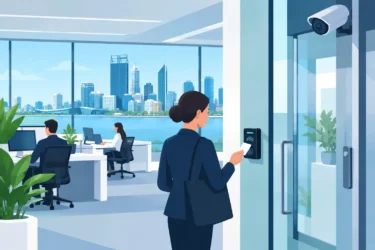
For a business, organise users into clear groups before credentials are issued. These might include managers, general staff, contractors, cleaners, visitors and maintenance providers. Assign access based on role rather than creating individual exceptions wherever possible. This makes administration easier when staff change roles or new team members start.
Homes have different requirements but benefit from the same thinking. Family members may use mobile credentials or tags, while a gardener, dog walker or tradesperson can receive temporary access limited to a gate or designated door. There is no need to hand over a physical key that could be copied or remain in circulation after the work is complete.
Access schedules also matter. Limiting entry to normal operating hours reduces exposure without placing extra work on managers. However, avoid making schedules so rigid that authorised people are stranded when they have a legitimate early start, late finish or call-out. The right settings depend on the site, its roster and who is responsible for approving exceptions.
Choose credentials people will actually use
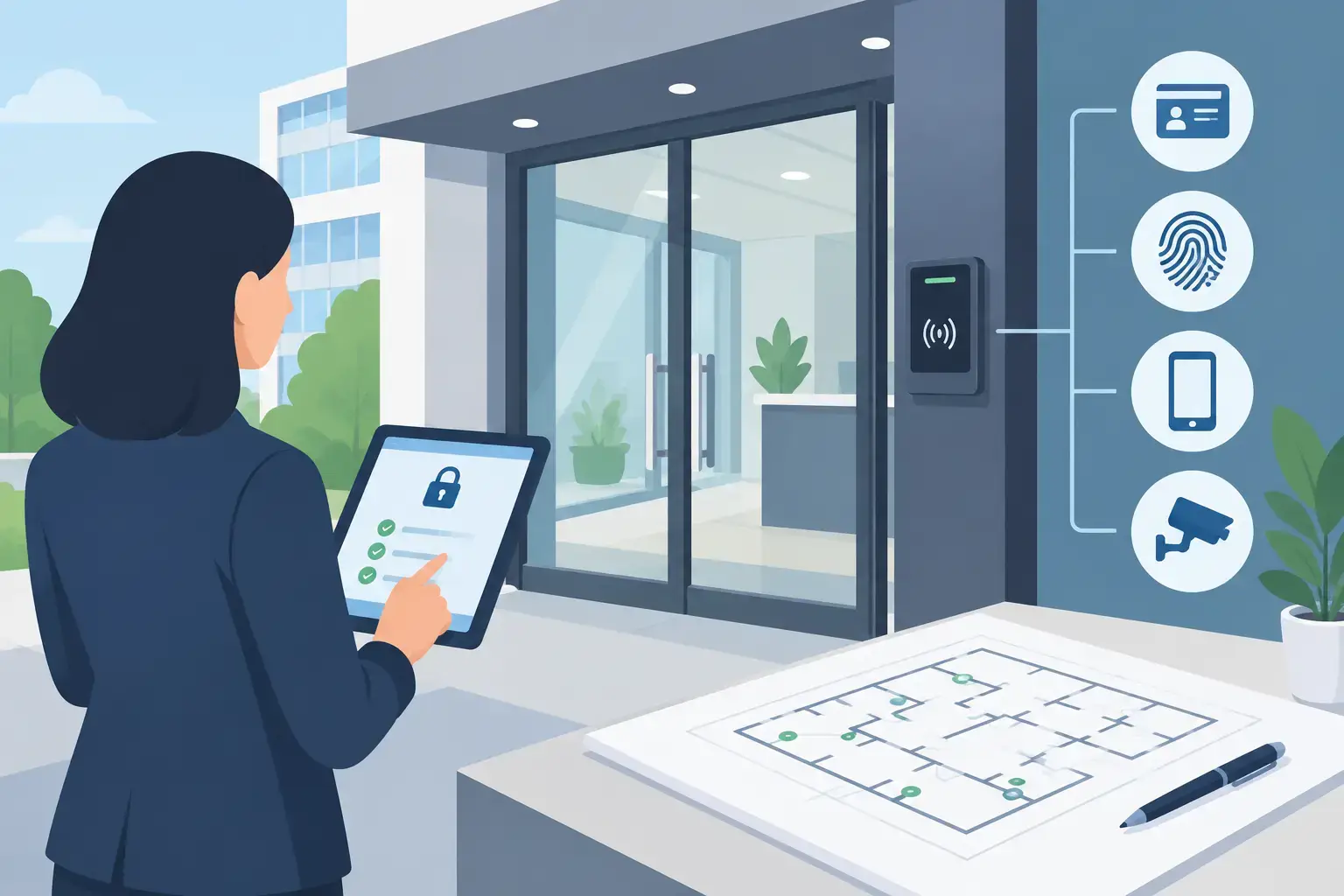
Credentials are the method a person uses to prove they are authorised. Cards, fobs, PIN codes, mobile access and biometric readers all have a place, but there is no single best option for every property.
Cards and fobs are familiar, quick and cost-effective for many workplaces. They are easy to issue and cancel, although they can be lost, shared or left in a vehicle. PIN codes avoid the need to carry a credential, but codes should not be shared across a whole team and need regular management. A code written beside the keypad defeats the purpose.
Mobile credentials can suit businesses with staff already carrying mobiles and homeowners who want to grant or remove access remotely. They can reduce the need for physical keys, but planning should account for flat batteries, visitors without compatible devices and the process for replacing a lost phone.
Biometric access can provide stronger identity assurance for sensitive areas, though it usually comes with higher cost, privacy considerations and more careful installation requirements. For most sites, a well-managed card, fob or mobile system paired with suitable door hardware offers the right balance of security and convenience.
Plan the door hardware and safety requirements
Access control is only as reliable as the door, frame, lock and cabling supporting it. A credential reader alone does not secure a poorly aligned door or a gate that can be forced open easily. During planning, assess the condition of each opening and whether it is suitable for an electric strike, magnetic lock, electric mortice lock or another locking solution.
The choice depends on the door construction, traffic volume, required holding strength and emergency egress requirements. For example, a high-use commercial glass door may need a different arrangement from a steel warehouse gate or residential side gate. Exterior equipment must also withstand Perth heat, rain, dust and exposure to coastal conditions where relevant.
Fire safety and emergency exit requirements should be resolved before installation, not treated as an afterthought. People must be able to leave safely in an emergency. Depending on the site and door, this may involve appropriate release devices, fire system interfaces, signage and compliance with applicable building and fire requirements. A professional site assessment is valuable here because the safest technical answer can vary significantly between properties.
Build in visibility and accountability
A good access control plan creates a useful record of entry events. This can help a site manager check who accessed a storeroom, investigate an alarm activation or confirm when contractors arrived. For businesses handling valuable stock, sensitive information or regulated materials, these records can also support internal procedures and compliance obligations.
Decide early how much reporting you need. A small business may only need straightforward audit history and alerts for forced doors or doors left open. A larger organisation may need central management across multiple locations, permission changes managed by authorised administrators and reporting by site, department or user group.
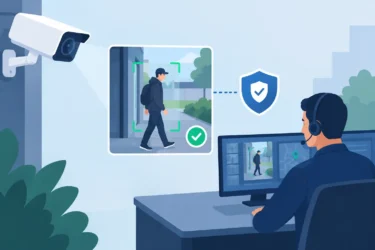
Access control can also work alongside CCTV, intrusion alarms and intercoms. A camera covering an entry point adds visual context to an access event. An intercom allows staff or residents to verify a visitor before releasing a door or gate. Integration can be highly useful, but it should serve a clear operational purpose rather than add complexity for its own sake.
Allow for visitors, contractors and changes
Permanent staff are usually the easiest part of the plan. Visitors, contractors, temporary workers and people leaving the organisation are where access control procedures often fail.
Establish who can approve temporary access, how long it lasts and whether it is limited to particular doors and times. For higher-risk areas, arrange an escort rather than issuing an unrestricted credential. When an employee leaves or a contractor finishes a job, access should be removed promptly as part of the offboarding process.
Also plan for growth. If you are fitting out a new office, warehouse or home extension, consider spare capacity in the control panel, power supply and cabling. A system designed for four doors may be economical now, but upgrading it soon after can cost more than allowing for eight or 16 doors from the start. That said, there is little value in paying for enterprise-scale features a small, stable site will never use. The right solution is sized to realistic future needs.
Put ownership and maintenance in writing
Technology needs a responsible owner. Nominate the person or team who can add users, remove credentials, review alerts and approve access changes. Keep a simple process for lost fobs, forgotten PINs, staff departures and emergency access. If several people have administrator rights with no documented process, permissions can become difficult to audit quickly.
Regular servicing is equally important. Doors can sag, strikes can wear, batteries can degrade and readers exposed to weather can need attention. Testing release functions, checking door alignment and reviewing system logs helps keep the installation dependable when it is needed most.
For complex commercial sites, a licensed security provider can translate operational requirements into a system design that accounts for wiring, door hardware, emergency safety and future integration. Securitec Security brings local Perth experience across residential, commercial and industrial sites, from straightforward controlled entries to multi-site security infrastructure.
The best access control plan is not the one with the most features. It is the one your household, staff and authorised visitors can use confidently every day, while giving you clear control when circumstances change.