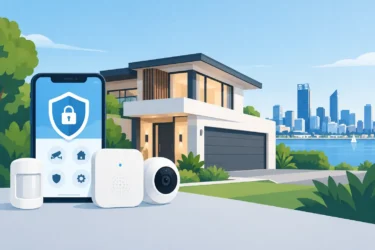
Security Integration That Makes Sites Easier to Run
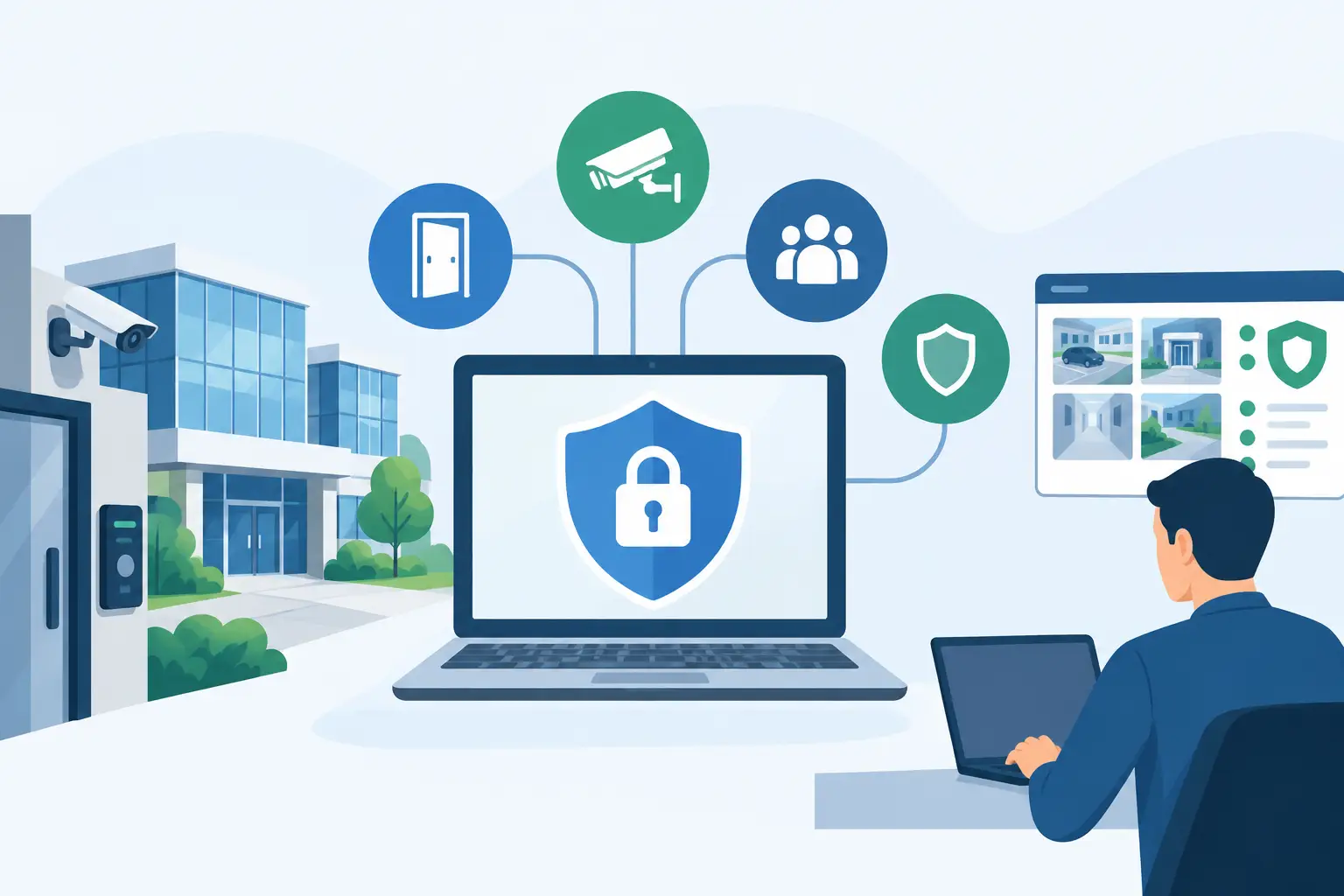
A camera recording an incident is useful. A camera that prompts the right people to act when an alarm is triggered, identifies who entered a restricted area and preserves the relevant footage is far more useful. That is the practical value of security integration: bringing separate security devices together so they support a faster, clearer response.
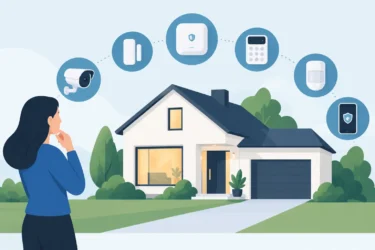
For Perth homes, businesses and industrial sites, integration is not about adding technology for its own sake. It is about reducing uncertainty. You should be able to see what is happening, control who can access key areas and receive meaningful alerts without juggling several unrelated systems.
What security integration means in practice
An integrated security system connects technologies such as CCTV, intrusion alarms, access control, intercoms and remote monitoring through a planned system design. Each component still has its own role, but information and actions can be shared where it makes sense.
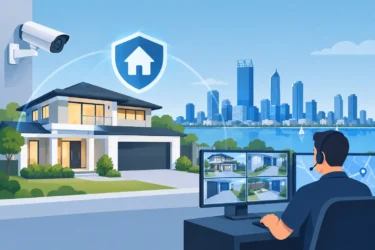
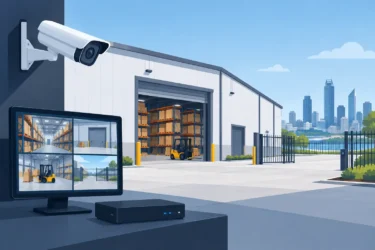
For example, if an alarm is activated at a warehouse after hours, the system can direct a PTZ camera towards the affected zone, flag the event in recorded footage and notify nominated users. If access is denied at a staff-only door, a camera can provide visual confirmation of who attempted entry. At a residential property, an intercom call can be answered from a mobile while the homeowner checks the camera view before releasing a gate.
The result is not necessarily one screen controlling everything. For a small home or shop, a straightforward app and properly configured notifications may be enough. A multi-site organisation may need centralised control, user permissions, event reporting and a managed access process across several locations. The right level of integration depends on the property, risks and daily operations.
Why separate systems can create avoidable gaps
Many properties acquire security equipment gradually. A camera system may be installed after a break-in, an alarm added later and access control introduced when staff numbers grow. There is nothing wrong with this approach, provided each upgrade is assessed against the overall security plan.
Without that assessment, common issues emerge. Staff may need different logins for cameras and doors. An alarm notification may tell a manager that a zone has activated but offer no quick way to view the corresponding video. Former employees may retain keys, remotes or access credentials because there is no clear procedure for removing them. Maintenance can also become difficult when several systems have different installers, settings and support arrangements.
Integration helps close those operational gaps. It gives site managers a more useful picture of an event, while making everyday tasks – granting access to a contractor, checking a delivery, reviewing an incident or securing an area after hours – less time-consuming.
Security integration starts with site design
Good results come from planning, not simply connecting devices after installation. A professional assessment considers how people move through the property, where assets are stored, which doors need controlled access and how the site operates outside normal hours.
At a commercial premises, the priority may be separating public, staff and high-value areas. An industrial facility may require coverage for perimeter gates, equipment yards, loading zones and multiple buildings. For a family home, the focus could be entry points, external areas, a garage and simple control that does not complicate daily routines.
This process should also identify practical constraints. Older buildings may have limited cable pathways. Remote sites can have network limitations. Some existing equipment may be suitable for integration, while other devices may cost more to adapt than to replace. A tailored recommendation should be honest about these trade-offs rather than forcing every system into a single platform.
Cameras that provide context, not just recordings
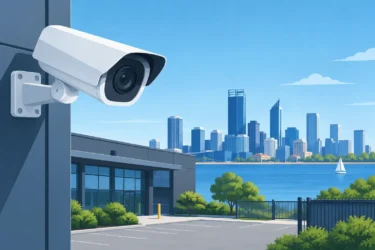
CCTV is often the visual foundation of an integrated system. Camera placement matters as much as camera specification. A high-resolution camera in the wrong position can still miss a face, vehicle number plate or critical point of access.
When cameras are linked with alarms or access events, footage becomes easier to investigate. Rather than searching through hours of recordings, an authorised user can review video associated with the time and location of an event. This can be particularly valuable for business owners who are not on site, or managers responsible for more than one location.
Camera integration must be configured carefully. Notifications should identify genuine priorities, not create constant alerts that people learn to ignore. Motion detection areas, schedules and sensitivity settings need to reflect the real environment, including trees, traffic, pets, deliveries and changing light conditions.
Access control that removes the key problem
Physical keys are simple, but they are difficult to manage at scale. When keys are copied, misplaced or not returned, the business may have little visibility over who can enter a site. Re-keying doors is disruptive and expensive, especially where several buildings are involved.
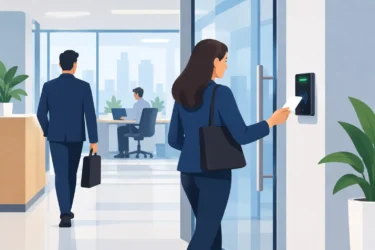
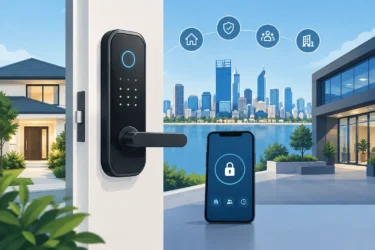
Access control replaces this uncertainty with managed credentials such as cards, fobs, PINs or mobile access. Permissions can be assigned by person, door and time. A cleaner may have access during scheduled evening hours, while a contractor can be authorised for a specific entrance and date range. If employment ends or a credential is lost, access can be removed without changing locks throughout the building.
Integrated access control also creates an audit trail. That does not mean treating every staff member with suspicion. It means a manager can investigate an issue using clear records when necessary and demonstrate sensible site controls where compliance or insurance requirements apply.
Alarms and intercoms that support a quicker response
An intrusion alarm remains one of the most direct ways to detect unauthorised entry. Connected to cameras, it can provide immediate visual context rather than leaving a homeowner or manager to guess whether an alert requires action.
Intercoms add another layer at doors, gates and reception points. They allow visitors to be verified before entry is granted and can be particularly effective at homes, workshops, offices and gated industrial yards. Where appropriate, the intercom, access control and camera view can be managed from the same approved device or interface.
There is a balance to strike. Automating a gate release after an intercom call may be convenient, but it may not suit a site with high-value stock or frequent unknown visitors. Security design should match the risk, rather than prioritising convenience at every door.
Reliability depends on installation and ongoing maintenance
Integration cannot compensate for poor cabling, unsuitable network equipment, inadequate power backup or devices that have not been maintained. A system is only dependable if every critical part works when required.
Professional installation includes correctly positioning equipment, protecting cables, configuring user permissions, testing event responses and showing users how to operate the system. It should also account for future growth. Leaving capacity for extra cameras, doors or network connections can prevent costly rework when a business expands.
Ongoing servicing is equally important. Cameras need cleaning and focus checks. Alarm batteries and communication paths need testing. Access credentials should be reviewed as staffing changes. Software and firmware updates may be needed to maintain compatibility and address identified issues.
With 30 years of electronic security experience, Securitec Security approaches this as a full-lifecycle responsibility: planning systems around the site, installing them professionally and being available for servicing, repairs and practical upgrades as needs change.
Questions to ask before integrating your security systems
Before committing to a new installation or upgrade, ask whether the system will make incidents easier to verify and manage. Clarify who needs access to live video, door controls and reports, and ensure permissions can be limited appropriately. Consider what happens during an internet outage or power interruption, especially for remote access and critical doors.
It is also worth asking who will support the system after installation. The lowest initial price can become costly if there is no local assistance for faults, programming changes or expansion. For businesses, document simple procedures for adding and removing users, responding to alerts and reporting faults. For homeowners, make sure every regular user can confidently arm, disarm and check the system.
The best security system is one your household or team will use correctly every day. Start with the decisions you need to make when something happens, then build the cameras, alarms, access control and intercom functions around those moments. That approach creates protection that is easier to manage now and more useful when it matters.