Cloud Versus Local Video Storage: Which Fits?
A camera system only helps if you can find the footage when it matters. When comparing cloud versus local video storage, the right answer is rarely a simple matter of choosing the newest technology. It comes down to your site, internet reliability, privacy requirements, retention period and how quickly you need footage after an incident.
For a Perth household, that may mean checking who approached the front door or reviewing a vehicle incident on the street. For a business, it could mean providing evidence after a break-in, investigating a workplace incident or monitoring multiple locations. Storage should be planned with the same care as camera placement, lighting and access to the recorder.
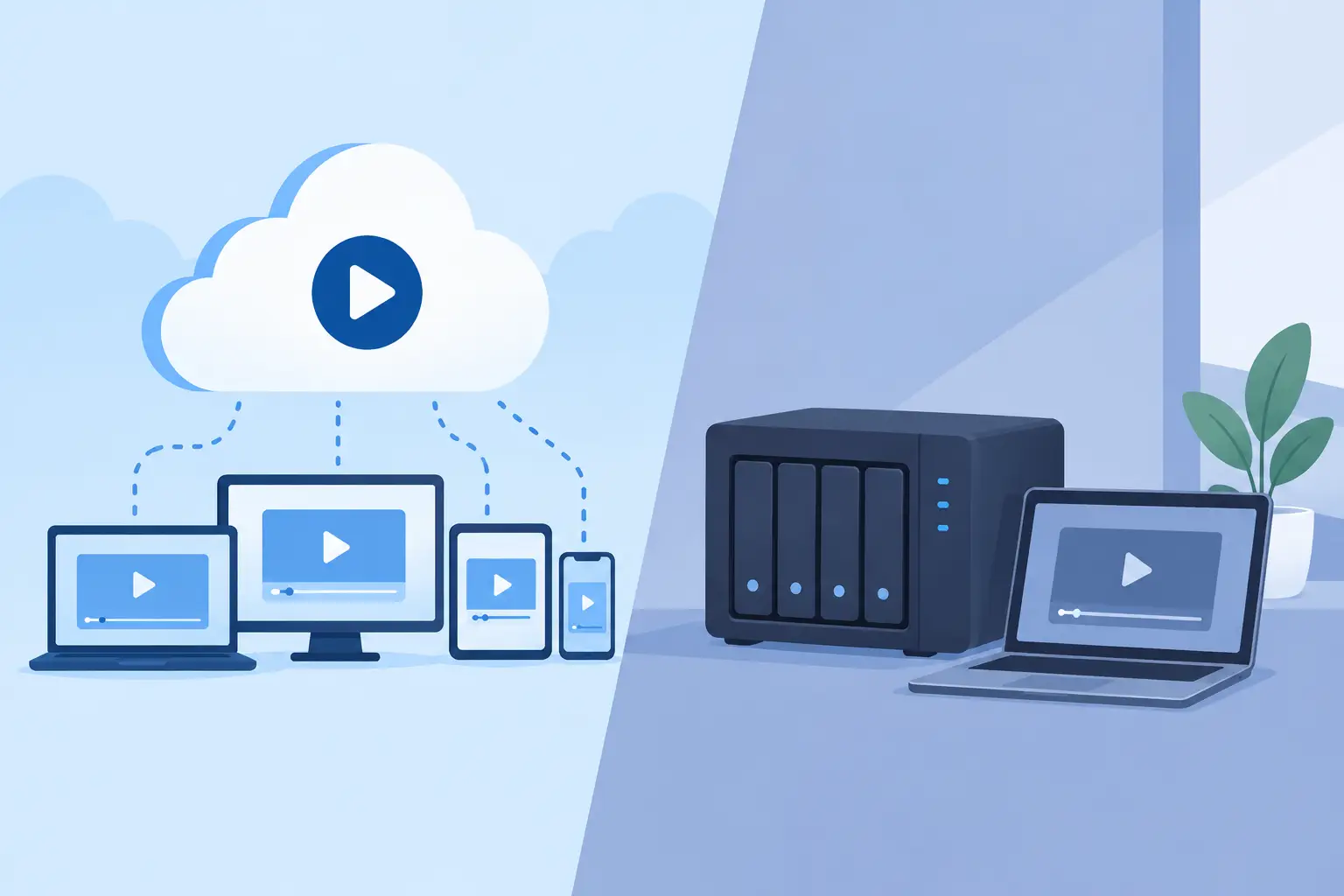
Cloud versus local video storage: the key difference
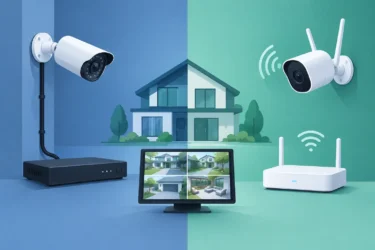
Local storage keeps video at your property. Depending on the system, recordings may be saved to a network video recorder (NVR), digital video recorder (DVR), camera-mounted SD card or server. The most common professional CCTV arrangement is an NVR installed in a secure location, with cameras recording continuously or when motion is detected.
Cloud storage sends recorded footage through the internet to remote data centres. Footage is generally accessed through a mobile app or web portal, with storage retained for a set period under a subscription plan. Some systems upload every event, while others use cloud storage as a backup for selected clips.
Neither approach is automatically better. A local recorder gives you direct control and can keep recording during an internet outage. Cloud storage gives you off-site protection and convenient remote access. The decision becomes clearer when you consider the risks at your particular property.
When local video storage is the stronger choice
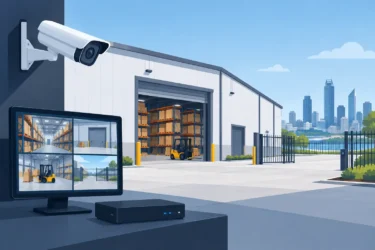
Local storage is often well suited to properties that need continuous, high-quality recording from several cameras. Commercial premises, warehouses, workshops, schools, strata sites and industrial facilities can generate a substantial volume of video each day. Sending all of that footage to the cloud requires reliable upload speed and can create ongoing subscription costs.
An NVR records directly across your local network, so internet speed does not affect its ability to capture footage. If an NBN service drops out overnight, the cameras can continue recording to the NVR. Remote viewing may be unavailable until the connection returns, but the video itself remains on site.
This makes local recording particularly useful where evidentiary detail matters. Higher-resolution cameras, wide camera coverage and longer retention periods all use more storage. A professionally specified recorder can be sized for the number of cameras, recording settings and the number of days you need to retain footage. There is no need to reduce image quality simply to manage cloud upload limits.
Local systems also avoid per-camera cloud subscription fees. The initial hardware investment can be higher, especially when larger hard drives or redundant storage are required, but operating costs are often more predictable over the life of the system.
There is one important limitation: an on-site recorder can be damaged, disconnected or stolen during a serious break-in or fire. It should be installed in a secure, discreet location, protected by a suitable power backup where required, and maintained as part of the broader security system. A recorder sitting openly beside a reception desk is not a storage strategy.
Where cloud storage makes practical sense
Cloud video storage can be an excellent option for homes and small sites with a limited number of cameras. It removes the need to find a place for a recorder and generally makes remote viewing straightforward for authorised users. If a camera is stolen or the local recorder is compromised, footage already uploaded off site may still be available.
This off-site resilience is valuable for entry-point cameras, video doorbells and sites that do not have a secure communications cupboard for an NVR. It can also suit managers who travel between locations and want to receive motion alerts on their mobile without managing a recorder at every site.
However, cloud recording depends on a stable internet connection and sufficient upload bandwidth. This is not just a technical detail. Several high-resolution cameras uploading continuous video can place real pressure on an internet service, particularly at busy commercial premises where staff also rely on the connection for point-of-sale systems, calls and daily operations.
Cloud plans also need careful review. Check how long footage is retained, whether recording is continuous or event-based, how many cameras are included, and what happens if the subscription lapses. A low upfront price can become less attractive when recurring fees are multiplied across several cameras and years of operation.
Retention, privacy and access should drive the decision
Before selecting storage, decide what you need the system to achieve. A family may only need key entry and driveway footage for a short period. A business handling stock, cash or regulated operations may require longer retention and more consistent coverage. There is no benefit in paying for 90 days of recordings if your actual requirement is 14 days, but too little capacity can mean critical footage is overwritten before anyone knows an incident occurred.
Privacy matters as well. Footage may show employees, customers, neighbours, visitors or contractors. Whether video is stored locally or in the cloud, access should be limited to authorised people, protected with strong passwords and reviewed when staff roles change. Default passwords, shared logins and unrestricted app access create avoidable exposure.
For commercial sites, consider who needs live viewing, who can export footage and who can change recording settings. These are different permissions. A site manager may need to review an event, while only a designated administrator should be able to delete recordings or add users.
Cloud providers may store data in facilities outside Australia, depending on the platform and plan. If data location, contractual obligations or internal privacy policies are important to your organisation, confirm these details before committing. For some businesses, keeping primary footage on a locally managed NVR provides clearer control. For others, approved cloud services provide the off-site resilience they need.
The hybrid approach is often the most sensible
Many well-designed systems use local and cloud storage together. The NVR acts as the primary recording source, retaining high-quality footage from all cameras. Selected motion clips, alarm events or footage from vulnerable entry points can then be backed up to the cloud.
This approach reduces dependence on internet bandwidth while protecting the most important evidence off site. It can be particularly effective for a retail store, office, workshop or home where a break-in could involve damage to the recorder itself.
A hybrid design should still be deliberate. Uploading every camera, every minute of the day, may not be worthwhile. Instead, identify the cameras that cover access points, safes, loading areas, tills, plant rooms or other critical zones. Configure alerts carefully as well. Constant notifications soon get ignored, which defeats their purpose.
Questions to settle before choosing storage
A practical discussion with your security provider should cover four areas:
- How many cameras will record, at what resolution, and continuously or only on motion?
- How many days of footage do you need before recordings overwrite?
- Is your internet connection reliable enough for cloud uploads and remote viewing?
- What happens to footage if the power, internet connection, camera or recorder fails?
It is also worth asking how footage is exported when an incident occurs. Police, insurers and internal investigators may need clear video files with the relevant date and time information. Test the process before you need it, rather than discovering access issues after an event.
Build storage around the property, not the product
The best CCTV storage setup is the one that keeps recording when it needs to, preserves footage for an appropriate period and remains simple for authorised people to use. A small home may benefit from cloud recording or a compact local system. A larger commercial or industrial site will often need an NVR designed around camera count, retention targets and future expansion, potentially with selected cloud backup.
With 30 years of experience designing and maintaining security systems across Perth, Securitec Security can assess the practical factors that do not appear on a product box: camera positioning, available bandwidth, secure recorder placement, power protection and the footage that will matter most at your site.
Choose storage with the incident in mind. If you can reliably retrieve clear footage after a break-in, dispute or safety event, your camera system is doing the job it was installed to do.