How to Secure Office Entry Without Slowing Work
The front door is often the weakest point in an otherwise well-run workplace. A keyed lock may feel sufficient until keys are copied, staff change, contractors arrive after hours, or a door is held open for convenience. Knowing how to secure office entry means controlling who can enter, when they can enter and how your business responds when something does not look right.
For Perth offices, warehouses and mixed-use commercial sites, the right approach is rarely a single product. Effective entry security combines the physical door, access credentials, visitor procedures, monitoring and ongoing maintenance. It should protect people, information and assets without turning every arrival into a frustrating process.
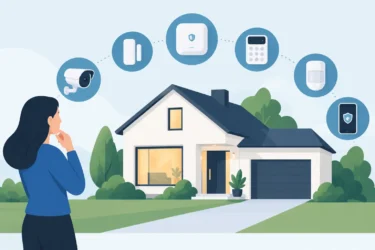
Start with the entry risks at your site
Before choosing card readers, intercoms or cameras, look closely at how people actually use the premises. A small professional office with eight employees has different risks from a busy industrial site with delivery drivers, subcontractors and multiple shifts. Security that ignores daily routines is more likely to be bypassed.
Consider which entrances are used by staff, visitors, cleaners, suppliers and emergency services. Also assess when each door is used, whether someone can follow an authorised person inside, and what valuable areas sit beyond the entrance. A ground-floor office with public footpath access may need a different solution from a tenancy within a managed building.
Do not overlook secondary doors. Rear exits, fire doors, roller-door access points and doors connecting office and warehouse areas are commonly less visible than the front entry. They still need to meet fire safety requirements, but should not become an unmonitored route into the business.
A professional site assessment turns these observations into a practical design. It can identify poor lighting, doors that do not close properly, blind spots around reception, ageing locks and access rules that are difficult for staff to follow.
How to secure office entry with access control
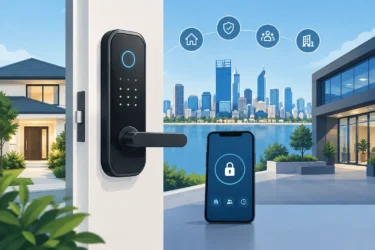
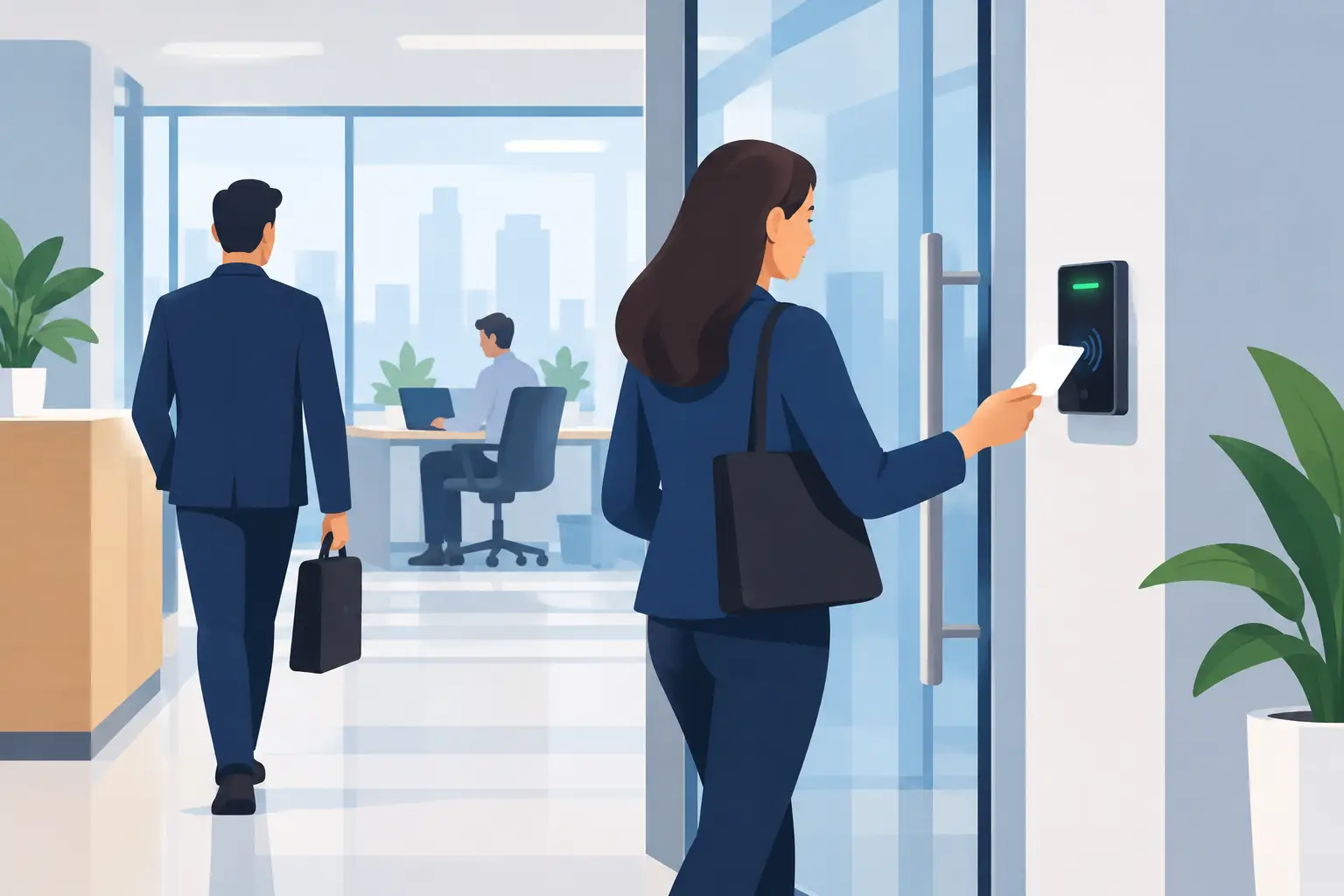
Electronic access control gives a business far more control than a traditional key system. Staff can use proximity cards, fobs, PINs or mobile credentials to enter approved areas during approved hours. Rather than changing locks when a key goes missing or an employee leaves, an authorised manager can remove that credential from the system.
The right credential depends on the environment. Cards and fobs are familiar, quick and cost-effective for many offices. PINs can suit low-traffic internal areas, although codes must be changed when they are shared or compromised. Mobile access can be convenient for organisations that want fewer physical credentials, but it requires clear administration of staff devices and permissions.
For higher-risk areas such as server rooms, medicine storage, records rooms or plant areas, consider two-factor entry. This may combine a card with a PIN, or a credential with an authorised time schedule. The aim is not to make every door difficult to open. It is to apply stronger controls where a breach would have greater consequences.
Access control also creates an entry record. When a door is opened using a credential, managers can review who entered and at what time. That information is useful after an incident, but it also helps with everyday operational questions, such as whether contractors attended when scheduled or whether a door was accessed outside normal hours.
Set permissions around roles, not individuals
Avoid giving every staff member access to every door at all times. Instead, establish access groups based on role, work area and schedule. Reception staff may need standard business-hour access, while managers, IT personnel or warehouse supervisors may require additional areas or after-hours permissions.
Keep the process simple enough to manage. Someone in the business should be responsible for approving new access, reviewing permissions and disabling credentials promptly when staff or contractors finish. If this task is unclear, even a well-installed system can become a security gap.
Make visitors visible before they reach the workplace
An intercom at the main entrance lets staff verify visitors before granting access. Video intercoms add another layer by allowing reception or authorised personnel to see who is calling, including when they are away from the front desk. For offices without a permanent receptionist, this can be particularly useful.
Visitor management should match the volume and nature of people arriving. A small office may only need staff to confirm appointments and escort visitors beyond reception. A larger site may require sign-in procedures, visitor passes, induction requirements and a clear contractor check-in point.
The key is to prevent informal access. A friendly visitor who follows an employee through a secure door may be harmless, but the same behaviour can be used to gain unauthorised entry. Staff should be encouraged to challenge unfamiliar people politely or direct them to reception rather than holding doors open automatically.
Delivery arrangements deserve the same attention. Where possible, keep deliveries at a designated point instead of allowing drivers into office or warehouse areas. If delivery staff need access beyond the entrance, provide a supervised process or a time-limited credential.
Strengthen the door, frame and closing hardware
Electronic security cannot compensate for a poorly secured door. The physical entry point must be suitable for the building and its use. A commercial-grade door, reinforced frame, compatible locking hardware and reliable door closer are fundamental.
The door needs to close and latch every time. A misaligned latch, worn closer or warped frame can leave a door unsecured even when the access control system reports it as closed. Door position monitoring can alert nominated staff if a door is propped open or left ajar for longer than expected.
Emergency exits need particular care. They must allow safe egress in an emergency and comply with applicable fire and building requirements. Security measures for these doors should be designed and installed with those obligations in mind, not improvised with chains, wedges or unsuitable locks.
For high-risk sites, an electric strike or electromagnetic locking arrangement may be appropriate, but the correct choice depends on the door construction, fire requirements, traffic flow and desired level of security. Professional design prevents a common problem: a system that works electronically but causes ongoing door faults or unreliable locking.
Pair entry control with CCTV and alarms
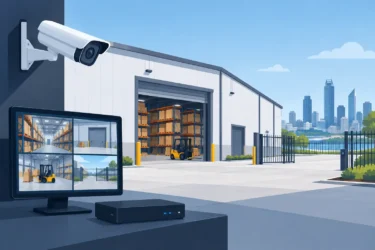
CCTV provides valuable context at office entry points. A properly positioned camera can show who approached the door, whether someone tailgated behind a credential holder, what was delivered and whether suspicious activity occurred outside business hours. It can also help staff assess a visitor through a video intercom.
Camera placement matters more than simply adding more cameras. Images should capture faces at a usable angle, not just the top of a hat or a brightly backlit doorway. Lighting, glare from glass doors and the distance between camera and subject all affect footage quality.
An intrusion alarm adds protection when the premises are closed. Door contacts can detect unauthorised opening, while motion detection can identify movement inside. Integrated systems can be configured to notify designated contacts of an alarm event and can support faster review of relevant video footage where CCTV is in place.
Not every office needs every technology at every door. A modest office may use access control and an intercom at the main entry, with alarm coverage after hours. A multi-site operation may need central management of access permissions, cameras and alarms across several locations. The design should reflect the site, not a one-size-fits-all package.
Plan for after-hours access and lost credentials
After-hours access is where informal key systems often create uncertainty. Staff may need to work late, cleaners may arrive after business hours, and trades may require temporary entry. An access control system can assign time-based permissions so people enter only when required.
Temporary credentials should have an expiry date. This is particularly useful for contractors, short-term staff and service providers. Once their work is complete, access ends automatically rather than relying on someone to recover a key.
Have a clear procedure for lost cards, fobs and mobiles. Staff should report them immediately, and the credential should be disabled without delay. Unlike a mechanical key, an electronic credential can usually be cancelled quickly without affecting everyone else who needs access.
Maintain the system that protects your entry
Office entry security is not a set-and-forget installation. Door closers wear, readers can be damaged, batteries may need replacement, credentials accumulate and software settings can become outdated. Regular servicing keeps the system dependable when it matters.
Schedule periodic checks of doors, locks, access readers, intercom audio, camera views and alarm communications. Review access permissions as part of staff onboarding and offboarding, and after changes to office layouts, tenancy arrangements or operating hours. If a door begins sticking or a reader becomes intermittent, arrange repairs early rather than allowing staff to find workarounds.
Securitec Security designs, installs and maintains tailored access control, intercom, CCTV and alarm systems for Perth workplaces. With more than 30 years of experience, the focus is on practical security that staff can use confidently every day.
A secure office entrance should feel orderly rather than restrictive. When the right people can enter easily, visitors are welcomed properly and unusual activity is visible, your team can get on with the work that matters.