
Best Access Control Systems for Business
A missing master key, an ex-employee whose fob still works, or a contractor entering after hours can create a security gap before anyone notices. The best access control systems for business replace uncertainty with a clear record of who entered, where they went and when access occurred. For Perth businesses, the right system should also be practical to manage, suited to the site and supported long after installation.
The best choice is rarely the system with the longest feature list. It is the one that gives your team the right level of control without making daily access difficult for staff, visitors or managers. A single office, warehouse, medical practice and multi-site operation will have very different requirements.
What makes an access control system right for your business?
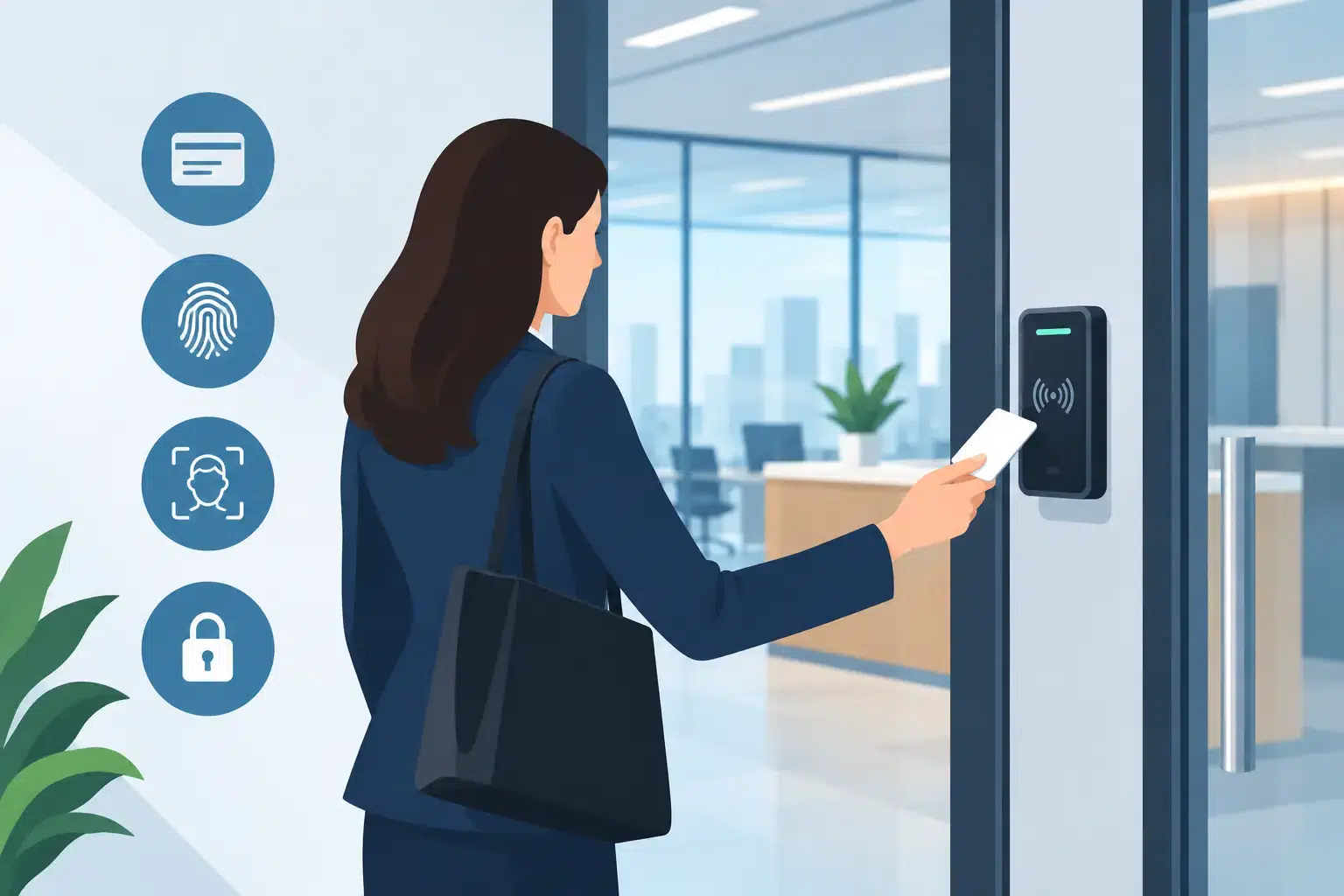
Access control is the management of who can enter a building, room, gate or restricted area. Instead of relying solely on mechanical keys, authorised users present a credential such as a card, fob, PIN, mobile or biometric identifier. The system decides whether to release the door and records the event.
For most businesses, five considerations shape the decision: the number of doors and users, the type of areas being protected, the need for audit trails, the level of administration required and future expansion plans. A system that suits one reception door today may become restrictive when you add a warehouse gate, staff amenities, server room or second location.
Start by identifying the access levels your site genuinely needs. Staff may require entry during rostered hours, managers may need broader after-hours access, and contractors may need temporary credentials that expire automatically. This is usually more useful than beginning with a preferred reader type.
The best access control systems for business by use case
Keypad and standalone door systems
A standalone keypad is often appropriate for a small premises with one or two controlled doors. Users enter a PIN, and the lock releases if the code is valid. It can be an affordable way to protect a storeroom, staff-only area or rear entry where detailed reporting is not essential.
The trade-off is administration. Shared PINs are easily passed on, and it can be difficult to confirm exactly who used a door. If a staff member leaves, the code should be changed promptly. Standalone systems are useful for simple applications, but they are not generally the strongest option for businesses that need accountability or expect to grow.
Card and fob access systems
Proximity cards and fobs remain a reliable choice for many offices, schools, workshops and commercial buildings. Each credential can be assigned to an individual user, so access can be added or removed without changing locks or collecting every physical key.
This approach provides a sensible balance between cost, ease of use and reporting. It is well suited to businesses that want to control several doors, set time schedules and review access activity after an incident. Cards can be misplaced, however, so an organised process for reporting and cancelling lost credentials matters.
Higher-security card technologies can reduce the risk of copying compared with older, basic fobs. This is worth discussing where premises hold valuable stock, sensitive information or regulated equipment.
Mobile credential systems
Mobile access allows an authorised person to use their mobile as a credential. For businesses with a mobile workforce, flexible working arrangements or frequent visitors, this can reduce the time spent issuing and recovering cards.
Access can often be issued remotely and removed when it is no longer needed. That is valuable for contractors, cleaners and short-term staff. It also suits organisations that want less physical credential management across multiple locations.
Mobile access depends on staff having compatible, charged devices and following sensible mobile security practices. Many businesses choose a mixed arrangement, with mobile credentials for regular users and cards or fobs available as a backup.
Biometric access systems
Biometric readers use characteristics such as a fingerprint or facial template to verify identity. They can be effective where confirming the person at the door is more important than confirming possession of a credential. Examples include laboratories, controlled stores, data rooms and high-value asset areas.
Biometrics are not necessary for every door. They involve a higher upfront cost, need careful placement and may require consideration of privacy obligations and workplace policies. In many cases, a secure card or mobile credential combined with a PIN offers an appropriate level of protection without adding unnecessary complexity.
Networked and cloud-managed systems
Networked access control brings doors, users and reports into one centrally managed platform. A manager can update permissions, see door status, run reports and respond to events without visiting every controller or site. Cloud-managed options may make this especially convenient for businesses operating across Perth, regional WA or several states.
This is usually the preferred direction for growing organisations, multi-tenant properties and businesses that need clear access records. It can also support timed access rules, automatic expiry dates and role-based permissions. For example, a delivery driver can be given access to a loading area during a defined window while being prevented from entering office areas.
The system should be designed with its ongoing management in mind. Consider who will administer users, what happens if internet access is interrupted, how data is stored and whether there are recurring software or licensing costs. A professional installer should explain these operational details before recommending a platform.
Do not assess doors in isolation
An electronic reader is only one part of a working access control system. The door hardware, locking method, emergency egress, power supply, cabling and door condition all affect performance. A poorly aligned door or unsuitable lock can cause frustration, false alarms and security weaknesses regardless of how capable the software is.
For external gates, warehouses and exposed entries, equipment needs to suit local conditions. Dust, heat, rain and heavy daily use can affect readers, locks and gate hardware. Industrial sites may also need access control that works alongside vehicle gates, intercoms and perimeter security.
Emergency exit requirements must be considered from the beginning. People must be able to leave safely in an emergency, while the entry point remains secure from outside. This is one reason access control should be designed and installed by qualified security professionals rather than treated as a simple hardware purchase.
Integration can turn access records into useful security information
Access control is more valuable when it works with the rest of your security environment. Linking a door event to CCTV footage can help a manager quickly verify what happened at a rear entrance or restricted room. Integration with an intruder alarm can allow doors to follow different rules when the premises are armed.
Intercom integration can also improve visitor management. Reception or authorised staff can identify a visitor before granting access, rather than leaving an entry point unsecured during busy periods. For multi-site businesses, a central view of alarms, cameras and access events can reduce the time needed to investigate an issue.
Integration should solve a genuine operational problem. A small business does not always need every component connected on day one. A properly planned system can be installed in stages, allowing the business to protect priority areas first and expand without replacing the original investment.
Questions to ask before choosing a system
Before approving a quote, ask how easily users can be added, removed and assigned to different doors. Confirm whether the platform records entry attempts, door-forced events and doors left open. Ask what happens during a power failure or network outage, and whether the solution can continue operating locally.
It is also sensible to clarify credential replacement costs, software fees, warranty coverage and the availability of servicing. Access control protects your premises every day, so maintenance is not an afterthought. Doors, locks and readers experience wear, and periodic testing can identify issues before they become a disruption or security exposure.
For leased premises, discuss landlord approvals, existing fire and building systems, and how hardware can be fitted with minimal impact to the door. For larger sites, request a staged design that identifies critical doors, future controller capacity and the cabling required for expansion.
A practical approach for Perth businesses
The right process begins with a site assessment, not a catalogue. Walk through how staff, visitors, deliveries and contractors move around the premises. Identify vulnerable entry points, restricted zones and times when the building is unattended. From there, a tailored design can match credential types, door hardware and management features to the way your business actually operates.
Securitec Security brings 30 years of experience to the planning, installation and ongoing maintenance of commercial access control systems across Perth. The aim is not to burden staff with complicated technology, but to provide a dependable system that is easy to use and ready to support the next stage of your business.
A well-planned access control system gives you more than a locked door. It gives managers the confidence to issue access quickly, remove it decisively and know that the people moving through the premises are meant to be there.